The Marsal School custom WordPress theme comes with options and blocks that build on the default WordPress settings for additional features. In this article we will dive into more details about each customization and how to use it.
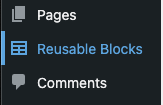
Reusable Blocks/Patterns
A Reusable Block allows you to create one piece of content that can be added to multiple pages/posts. This piece of content can be edited anywhere and sync the content across your site. This is very handy when having repeating content that you don’t want to edit on multiple pages.
Custom Marsal Theme Customizer Settings
The Marsal School custom theme, currently, has three (3) custom options for your theme under Appearance > Customize > Marsal Theme Options.
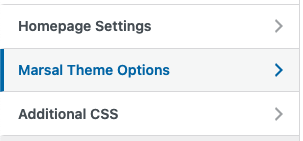
Read more about the Marsal Theme Customizer Settings.
Theme Options
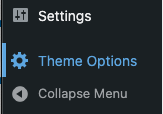
Under the Theme Options menu item, you will find options to enable three (3) different content types as well as adding tracking IDs for Google Tag Manager, or Google Analytics.
Content Types
There are three (3) content types that you can enable under the Themes Options area of the WordPress admin. People, Events, and News are the content types have been the most commonly asked for types users have wanted.
Read more about the available Content Types.
Analytics Tracking
You can easily add Google Tag Manager or Google Analytics (GA4) tracking IDs to your site through the Themes Options area of the WordPress admin.
Read more about adding Google Analytics or Google Tag Manger to your site.
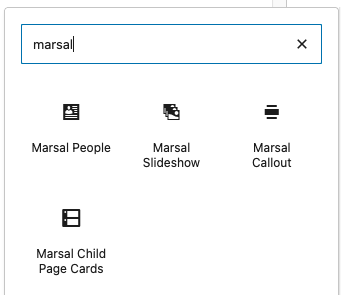
Custom Blocks
The custom Marsal Theme comes with several custom blocks to extend the default WordPress block library. These blocks were developed based on existing site needs. They include: Marsal Slideshow (image slideshow), Marsal People, Marsal Callout (with and without image), Marsal Child Page Cards.